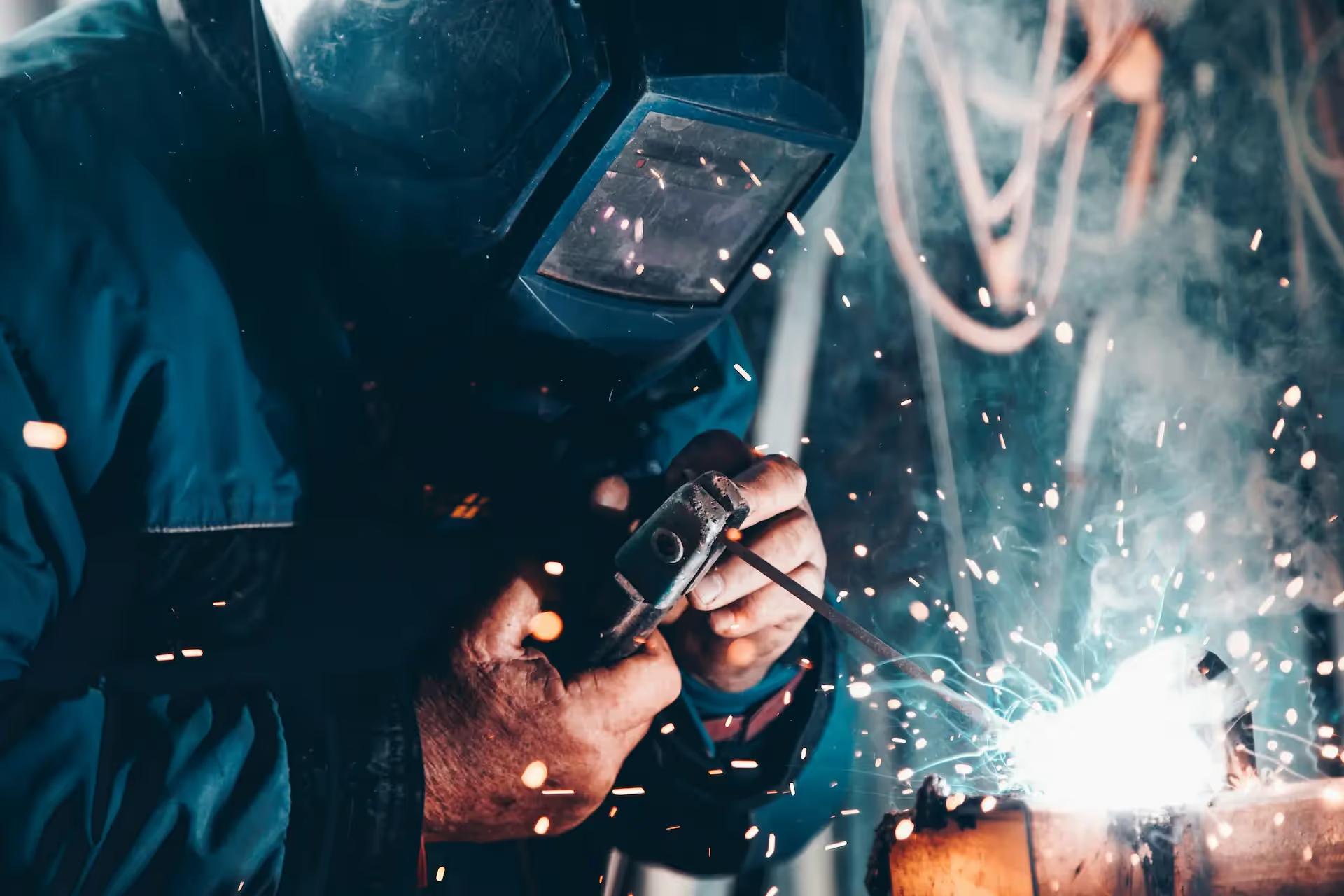
The supervisor is your only dashboard
To know where a part stands, you have to ask, walk the floor, or wait for someone to answer.
Software for structural steel shops
Steelink is software to control your shop. Your team records progress with QR, and you know what is complete, what is stopped, and what left on every truck without chasing WhatsApp messages or spreadsheets.
Does this sound familiar?
If you need to walk the floor, call a supervisor, or review several spreadsheets to know progress, Steelink is for your shop.
See how Steelink brings order to the shop
Does this sound familiar?
When progress lives in conversations, spreadsheets, and calls, the shop works blind and issues show up too late.
To know where a part stands, you have to ask, walk the floor, or wait for someone to answer.
When everyone reports through WhatsApp, calls, or spreadsheets, no one can see the shop's actual status in one place.
Under pressure, an inspection can be missed because the process does not require validation before moving on.
A nonconformity is discussed on WhatsApp and the part can continue without a block or evidence.
Shop-floor notes, photos, and forms are scattered. Later, the team has to reconstruct what happened and what is still missing.
While loading, you discover missing parts, weights that do not match, or doubts about what actually left.
Backlog, flow, and productivity are assembled in manual reports when you already need to decide.
When a group of parts moves together, entering one by one consumes shop-floor time.
The alternative to manual reporting
Steelink turns the real events in your shop into information you can use. Every progress update, quality check, and shipment is recorded as it happens.
Instead of chasing information, you get a clear view of the work already happening on the floor.
Set up parts and print a QR so the physical part and its record always refer to the same thing.
The operator scans, confirms the next step, and the move is recorded with the user and time.
An approved checklist allows progress; a nonconformity blocks the part with a reason and evidence.
Scan the load and review a packing list with parts, quantities, weight, and photographs.
The dashboard brings together backlog, flow, and productivity from the movements your team already recorded.
What you regain with Steelink
It is not another report someone has to fill out. It is a way to record work as it happens so everyone works from the same information.
Scan or search for a part and review its status, history, owner, and next step before wasting time asking around.
Process routes define how each part moves so the shop does not rely on improvised statuses.
Checklists can require answers, tolerances, and photos before allowing a part to continue.
A Hold documents the nonconformity, blocks the part, and preserves evidence of its release.
Critical progress and checklist records stay on the device and synchronize when connectivity returns.
Scan the load, validate parts and weight, add photos, and keep the packing list for every truck.
Backlog, daily flow, user progress, and productivity come from the movements recorded by the shop.
Import parts, print their QR labels, and process batches when several parts move together.
Set permissions by user and status, then export operational information to Excel or PDF.
Free professional tools
Improve your process with tools designed for metalworking operations.
Professional templates for communicating with customers and suppliers.
Use tool → 02Create custom labels for products and materials.
Use tool → 03Optimize machine loading and improve efficiency.
Use tool → 04Generate a professional CSV for bulk part setup.
Use tool →Contact
Let us review how you record progress, quality, and shipments today, then show you Steelink on the shop floor.
Email [email protected]